What Is a Dark Web Library
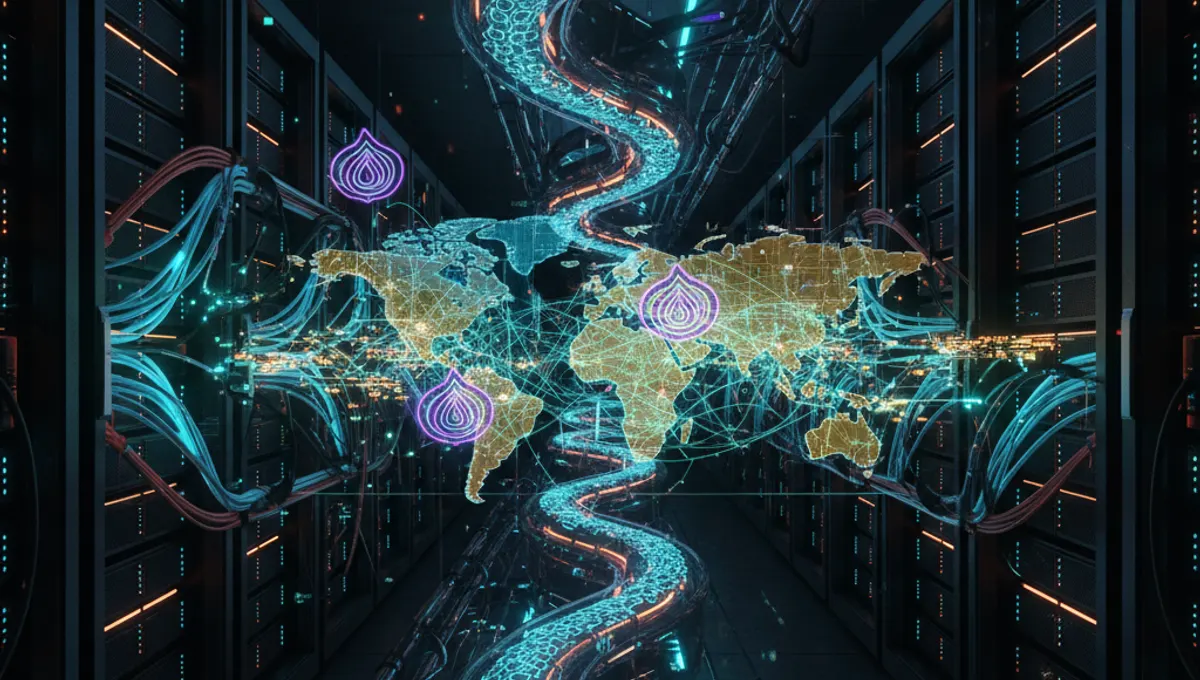
A dark web library is a collection of texts, documents, or media files stored on .onion servers accessible through Tor. These libraries exist for various reasons: some preserve material that's censored in certain countries, others host academic papers, and some maintain technical documentation. Unlike traditional libraries, they have no physical location, no librarian, and no central authority controlling access. Content varies widely—from legitimate research archives to less regulated material. The key distinction is that they operate independently of mainstream internet infrastructure and government oversight. Access requires the Tor browser and knowledge of specific .onion addresses, since these sites don't appear in standard search results.
How Dark Web Libraries Operate
Dark web libraries function through distributed hosting and peer-to-peer principles. Operators upload content to servers configured as hidden services on the Tor network, creating .onion addresses that route traffic through multiple relays. This anonymity protects both the library operator and users. Most libraries use basic web interfaces—simple HTML pages or minimal databases—to keep server load low and reduce technical vulnerabilities. Some employ mirrors, meaning the same content is hosted on multiple .onion addresses to prevent a single point of failure. Libraries typically don't require registration, though some use basic authentication to prevent automated scraping. The best dark web search engines can help locate these sites, though many operate through word-of-mouth and community recommendation rather than active promotion.
Finding and Accessing Dark Web Libraries Safely
Locating dark web libraries requires patience and verification. Start by using the best dark web apps and tools: the official Tor browser is essential. Search using dark web search engines, but verify any .onion address through multiple sources before visiting. Community forums and discussion boards sometimes list current addresses, though these change frequently. Before accessing any library, ensure your security setup is solid. Run Tor browser on a dedicated device or virtual machine if possible. Use a VPN before connecting to Tor for an additional privacy layer, though this is debated among security experts—some argue it adds overhead without benefit. Never maximize your browser window, as this can reveal your screen resolution and compromise anonymity. Disable JavaScript in Tor browser settings. Download files only when necessary, and scan them with offline antivirus tools before opening.
Security and Anonymity Considerations
Accessing dark web libraries carries specific risks. Law enforcement monitors Tor exit nodes and sometimes hosts honeypot sites designed to identify users. Never assume anonymity is guaranteed. Follow these practices: use the best dark web browser with default settings—don't customize them, as this creates a unique fingerprint. Never open documents in your browser; download and inspect them offline first. Disable plugins and extensions. Don't maximize windows or change resolution. Don't enable plugins like Flash or Java. Use a dedicated operating system like Tails or Whonix if accessing sensitive material. Be aware that some libraries may host malware or honeypots. Verify file hashes when available. Don't assume that being on Tor makes you invisible—operational security matters more than technology. Keep your Tor browser updated. Don't use the same username across different sites.
Types of Content in Dark Web Libraries
Dark web libraries host diverse material. Academic archives preserve research papers, often from authors in countries with restricted internet access. Technical libraries contain security documentation, programming guides, and system administration manuals. Some libraries focus on censored literature, political texts, or journalism from restricted regions. Others maintain collections of historical documents or leaked datasets. A few specialize in specific topics like cryptography, privacy tools, or network security. The quality and legality of content varies significantly. Some libraries are well-maintained and curated; others are abandoned or contain outdated information. Before relying on any source, cross-reference with surface web resources when possible. Be cautious of libraries that seem designed to distribute malware or collect user data. The best dark web pages are those maintained by established communities with clear purposes and transparent operations.
Common Mistakes and What to Avoid
Beginners often make critical errors when accessing dark web libraries. Don't use the same password across sites. Don't enable plugins or extensions without understanding them. Don't assume a .onion address is legitimate just because it exists. Don't download files indiscriminately—each download is a potential attack vector. Don't use your regular operating system for sensitive access; use a virtual machine or dedicated device. Don't maximize your browser window or change display settings. Don't enable JavaScript unless absolutely necessary. Don't assume that being on Tor protects you from social engineering or phishing. Don't share personal information, even anonymously. Don't use the same username across multiple dark web sites. Don't leave your Tor browser running while using other applications that might leak your IP. Don't trust sites that ask for cryptocurrency payments without clear purpose. Don't assume that older .onion addresses are still active or safe.
Comparing Dark Web Search and Access Methods
Different approaches exist for finding dark web libraries. Using the best dark web search engines is fastest but carries risks—search results may include honeypots or malware. Community forums and discussion boards provide curated recommendations but require time to evaluate. Direct .onion links shared through verified channels are safest but require existing connections. Some users maintain personal lists of trusted libraries updated periodically. The best dark web link directories are those maintained by established communities with reputation systems. Avoid sites that promise comprehensive indexes of all dark web content—these don't exist reliably. Instead, focus on specific-purpose libraries with clear missions. Cross-reference multiple sources before visiting any site. Use the best dark web pages as starting points, then explore from there. Consider joining communities focused on your specific interest—academic research, security, journalism—where recommendations carry more weight.
Frequently asked questions
Is accessing dark web libraries illegal?
Accessing a library itself isn't illegal in most jurisdictions. However, the legality depends on what you access and your location. Some countries restrict access to certain content. The Tor browser and dark web are legal tools; what matters is what you do with them. Downloading copyrighted material without permission is illegal regardless of where it's hosted. Research the laws in your country before accessing specific content.
How do I know if a dark web library is safe?
Look for libraries with established reputations in communities you trust. Check if multiple sources recommend the same site. Verify .onion addresses through multiple channels. Use the best dark web search engines to cross-reference information. Avoid sites that ask for personal information or payments without clear justification. Never enable JavaScript or plugins. Download files only when necessary and scan them offline. Trust your instincts—if something feels suspicious, it probably is.
What's the difference between Tor and a VPN for accessing libraries?
Tor routes traffic through multiple relays, providing stronger anonymity but slower speeds. VPNs encrypt traffic through a single server, offering privacy but not true anonymity. Some users combine both: VPN first, then Tor. Others argue this adds complexity without benefit. For dark web libraries, Tor alone is typically sufficient. A VPN can add a layer of protection against your ISP seeing that you're using Tor, but it doesn't hide your activity from the Tor exit node.
Can I be tracked while using a dark web library?
Tor provides strong anonymity, but it's not perfect. Law enforcement can monitor exit nodes and sometimes identify users through behavioral analysis or browser vulnerabilities. Avoid actions that compromise anonymity: don't maximize windows, don't enable plugins, don't use identifying usernames, don't download unnecessary files. Use updated software. Consider using Tails or Whonix for sensitive access. Remember that operational security matters more than technology alone.
What should I do if I find malware in a library file?
Don't open it. Delete the file immediately. If you've already opened it, disconnect from the internet, run a full antivirus scan in safe mode, and consider reinstalling your operating system if the file executed code. Report the malicious file to the library operator if they have a contact method. Use a dedicated virtual machine for downloading and scanning suspicious files. Always scan downloads offline before opening them. Keep your antivirus definitions updated.